Privileged Access Management: What PAM Is and How It Works

.avif)
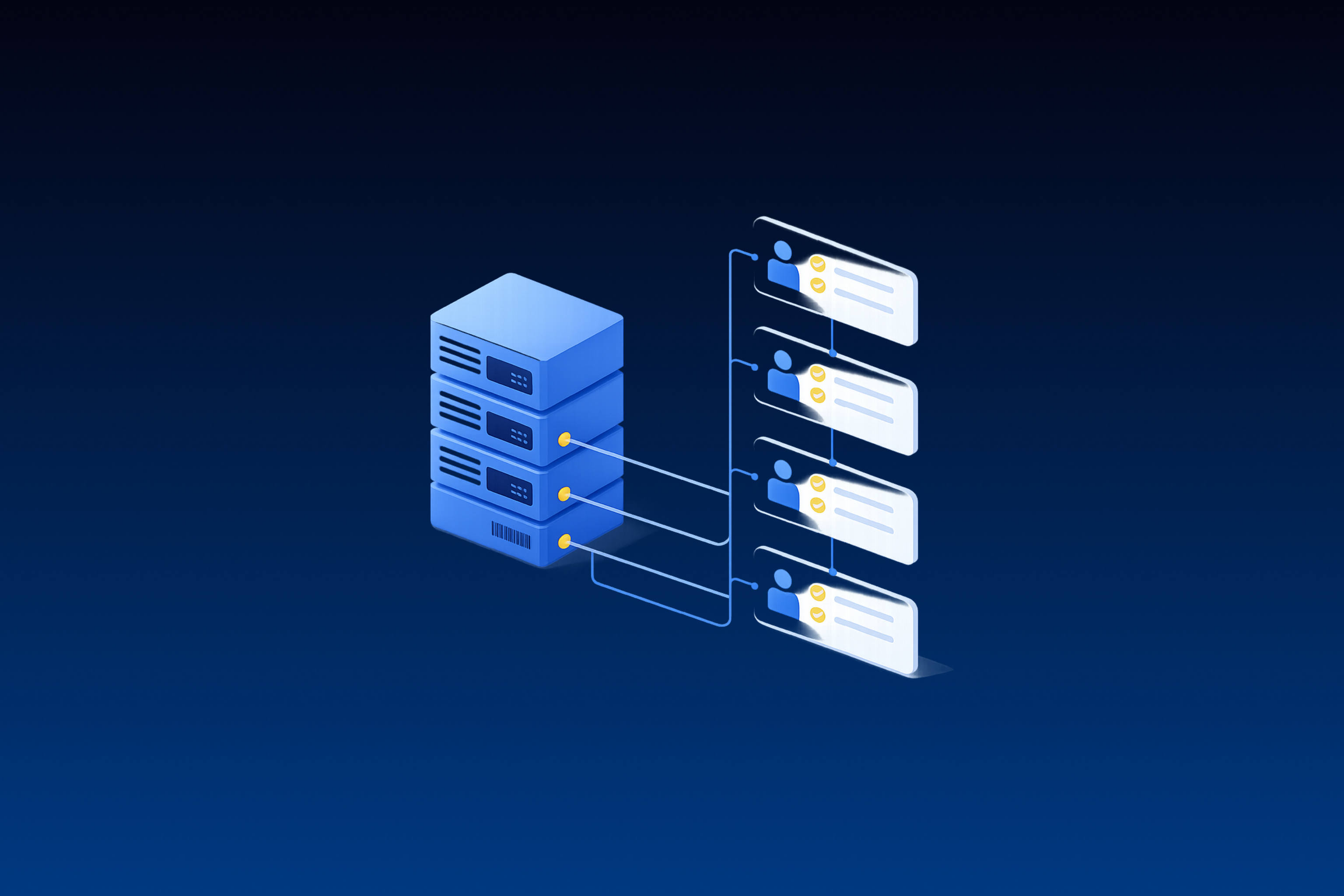
Privileged access management (PAM) is the set of policies, processes, and tools that control who can use high-impact accounts, when, and for how long, and that record what those accounts do. It covers admin, root, service, and cloud administrator accounts through credential vaulting, session management, just-in-time (JIT) access, credential rotation, and secrets management.
PAM is usually bought as an access control. For the security operations center (SOC), it is also a rich source of identity logs and a control attackers work hard to route around. It sits alongside identity and access management (IAM) and privileged identity management (PIM), two terms it often overlaps with.
TL;DR:
- PAM controls access to the accounts that can change systems, read sensitive data, or grant access to others.
- Vaulting and session brokering control how a credential is used, while just-in-time access and rotation limit how long it stays useful.
- IAM governs every identity, PAM governs the privileged subset, and PIM, as Microsoft uses the term, manages time-bound privileged role assignments.
- A well-configured PAM deployment records checkouts, elevations, and privileged sessions the SOC can correlate with identity and endpoint data.
- Privileged activity that never touches the vault is among the hardest parts to see, so evaluate PAM tools on what they send the SOC.
What Privileged Access Management Covers
NIST treats a privileged account as any account that carries a privileged user's authorizations, meaning someone trusted to perform security-relevant functions that ordinary users can't. PAM is the discipline of managing those accounts. In MITRE's terms, privileged account management secures accounts such as SYSTEM, root, and administrators.
The principle underneath it is least privilege: give each user or process only the access its task needs. NIST SP 800-53 codifies it as control AC-6.
Privileged accounts take several forms, and they are spread across directories, endpoints, cloud tenants, and applications, which makes a complete inventory hard:
- domain and enterprise administrators in Active Directory
- local administrator accounts on servers and workstations
- root and sudo-capable accounts on Linux and network devices
- cloud administrator roles in AWS, Azure, and Google Cloud
- SaaS administrators in identity providers, email, and collaboration tools
- service accounts, API keys, and other non-human identities that run with elevated rights
- break-glass accounts kept for emergencies
The last two need controls of their own: service identities need an owner and least-privilege permissions, and emergency accounts need protected credentials and monitored use.
Why Privileged Access Management Matters
In 2025, 82% of CrowdStrike's detections were malware-free, with attackers working through valid credentials and trusted identity flows, according to its 2026 Global Threat Report. Follow-on credential theft appeared in 52.2% of the valid-account intrusions in Microsoft's 2026 Digital Defense Report, which names unnecessary privileges and persistent access as weaknesses attackers consistently exploit.
Privileged credentials also sell for more on the criminal market for initial access. In the 2026 Verizon DBIR, initial access brokers typically listed a regular account at around $700 and an administrative one at around $1,300. The premium reflects that admin access lets a buyer skip privilege escalation.
MITRE ATT&CK tracks this behavior as Valid Accounts, a technique mapped to the Initial Access, Persistence, Privilege Escalation, and Stealth tactics. Once an attacker holds a privileged credential, many tools see only an administrator doing administrator work. PAM narrows how many such credentials exist, shortens how long they stay valid, and records how each one was used.
How Privileged Access Management Works
A PAM program runs as a lifecycle, from finding privileged accounts to auditing each use:
- Discover: inventory privileged accounts across directories, servers, cloud tenants, SaaS tools, and code, including service accounts and embedded secrets.
- Vault: move credentials into a protected store that controls who can retrieve them.
- Request and approve: route each request through policy, which can require a justification, an approver, or multi-factor authentication (MFA) before access is granted.
- Grant just in time: issue access for a bounded window, then remove it automatically.
- Broker and record the session: proxy the connection and record commands, keystrokes, or video.
- Rotate: change the credential so a copied password stops working.
- Audit: keep a log of every checkout, elevation, session, and rotation for review and investigation.
The NSA's March 2023 zero trust guidance for the user pillar backs this model. PAM tools assign fine-grained privileges from a central point and can proxy privileged access, and the guidance calls for PAM on every user with access to highly privileged functions.
Core Components of PAM
Vendors package these capabilities differently and name them inconsistently, so judge a product by what it does.
Credential Vaulting
The vault stores privileged passwords, keys, and certificates in an encrypted, access-controlled repository. Users check out a credential for a task, and the vault records who took it, when, and from where. Mature deployments go further and inject the credential into the session, so the user never sees it at all.
Session Management and Recording
Session management brokers privileged connections through a proxy or gateway. It can enforce policy during the session, terminate it on command, and record it for audit. NIST's session audit control, AU-14, covers this kind of monitoring, including keystroke monitoring and file-transfer recording.
Just-in-Time Access
Just-in-time access removes standing privilege. A user holds an ordinary account and is elevated for a defined window when a task requires it. AWS recommends temporary credentials over long-term access keys for human users, and Mandiant's M-Trends 2026 guidance calls for JIT access to keep standing privileges to a minimum.
Credential Rotation
Rotation changes a credential after each use or on a schedule and limits the value of anything an attacker copies. Local administrator passwords are the classic case. Windows LAPS, Microsoft's Local Administrator Password Solution, targets a common weakness: local admin accounts that share one password across many devices let an attacker move laterally with a single credential.
Least Privilege and Privilege Elevation
Endpoint privilege management removes local admin rights from everyday accounts and elevates specific applications or commands when needed. The goal is to make the privileged path the exception that gets logged, with ordinary work running without admin rights.
Secrets Management for Non-Human Identities
Machine credentials such as tokens, certificates, and service account passwords can carry broad permissions and authenticate with no person present to answer an MFA prompt. Secrets management stores and rotates them, and managed identities remove some of them entirely. Removing them helps, because manually handled secrets are a known source of security issues and outages.
PAM vs IAM vs PIM: How They Differ
The three terms overlap, and vendors use them loosely. IAM is the umbrella. PAM and PIM are narrower pieces of it, and because PIM terminology varies by vendor, this comparison uses Microsoft's product as the PIM example.
Entra Privileged Identity Management covers Entra roles, Azure resource roles, and groups, and provides just-in-time and time-bound role activation, approval workflows, MFA on activation, access reviews, and downloadable audit history. Google Cloud's Privileged Access Manager does similar work for IAM roles, granting temporary elevation with a maximum duration and optional approval.
Many organizations combine all three, and some platforms blur the lines. IAM decides who exists and what they can request, PIM-style tools control which privileged roles are active, and PAM handles the credentials and sessions behind servers, databases, network devices, and legacy systems that never joined the identity provider.
How PAM Telemetry Becomes a Detection Surface for the SOC
With logging configured, each component above produces records, and together they form a set of log streams the SOC can query:
- Vault checkouts and check-ins: who pulled which credential, when, and from which host.
- Privileged sessions: start and stop, target, duration, and termination events.
- Rotations: successes, failures, and credentials that failed to rotate.
- JIT elevations: requests, approvals, activations, and expirations, on premises and in cloud directories.
- Privileged commands: what was run inside a brokered session.
How those streams reach a security information and event management (SIEM) platform varies by product. CyberArk's self-hosted PAM forwards audit records to syslog through an XSL translator file, using a sample or custom translator file depending on the SIEM. BeyondTrust's Privileged Remote Access sends only appliance events over syslog, and its session event data flows through a SIEM plugin purchased separately.
Cloud platforms log elevation natively. Entra PIM activations appear in the PIM resource audit history, which covers 30 days unless you route the logs to Log Analytics or storage through diagnostic settings. Google Cloud writes Privileged Access Manager grant events to Cloud Audit Logs.
A single stream rarely proves misuse. A vault checkout followed by a privileged session is routine. Correlate the same checkout with the identity provider sign-in before it and the endpoint process tree after it. A checkout from an unusual host, feeding a session that launches a credential dumper, then becomes a finding no single log produces. Building those correlations is detection engineering work: writing, testing, and tuning rules against the specific streams your PAM platform emits.
A useful correlation compares privileged logons against vault activity. Windows logs Event ID 4672 when a new logon receives sensitive privileges, and it fires on every SYSTEM logon, so filter out expected system and service principals first. Join each remaining 4672 to its 4624 logon event through the Logon ID, then compare the account, target, logon type, and time against PAM checkout and session records. A vault-managed account that logs on with no matching checkout is worth investigating as possible use outside PAM.
In the cloud, compare privileged role activations and admin actions against their approval and request records, and correlate Entra PIM activations on roleAssignmentRequestId, since one activation can span several correlation IDs. These signals feed the broader practice of identity threat detection and response (ITDR), where the question is whether a legitimate-looking identity is being used by someone it shouldn't be.
Where Privileged Access Bypasses the Vault
PAM controls the credentials it knows about, and attackers look for the privileged access it doesn't see. The same gaps recur:
- Standing admins who authenticate with cached or memorized credentials and never check anything out.
- Unmanaged service accounts that nobody onboarded to the vault. Microsoft advises that service accounts shouldn't belong to privileged groups, and 2024 joint guidance from Australia's ASD, CISA, and NSA warns that compromising a service account in Domain Admins often results in complete domain compromise.
- Break-glass accounts built to bypass normal policy in an emergency. For Entra emergency accounts, Microsoft recommends alerting on every use, keeping the Global Administrator assignment permanently active, exempting the accounts from inactivity cleanup, and testing them at least every 90 days.
- Shadow admin rights in cloud IAM, where a combination of ordinary-looking permissions can add up to administrator access without membership in any admin group. Identity security posture management tools look for these combinations before an attacker uses them.
- JIT sprawl, where concurrent or repeatedly renewed grants turn temporary access back into standing privilege.
Each gap can need identity, endpoint, or cloud telemetry beyond what the PAM tool sends, plus custom correlation. Attackers also use these gaps for privilege escalation, for example by Kerberoasting service accounts with static passwords and cracking the tickets offline, abusing cloud permissions such as iam:PassRole, or talking help-desk staff into MFA resets.
Questions to Ask When Evaluating a PAM Tool
Compliance screens and access workflows demo well and say little about detection, so test what the tool gives the SOC during the proof of concept. Start with one scenario: someone uses a checked-out credential to dump credentials from memory inside a privileged session. What appears in the SIEM, and how many steps does it take to get from that alert to the session recording? Then ask:
- Does the tool forward session command telemetry to the SIEM in a queryable form, or only session start and stop events?
- Is there a maintained parser for your SIEM, and who updates it when the log format changes?
- Can a SIEM or response platform terminate a session or rotate a credential through an API?
- What does the tool record about privileged activity that happens outside the vault, such as a cached credential or a Kerberos ticket?
- How do service-account sessions and secrets retrievals appear in the log stream?
- Are cloud JIT elevations and on-premises checkouts in one stream, or in separate ones you will need to join?
Any workflow the vendor can't demonstrate becomes integration and rule-writing work for the SOC. If you are also comparing ITDR tools, ask the same questions of both.
IAM Owns the Control, the SOC Owns the Visibility
In many organizations, PAM sits with the identity team, which owns policy, onboarding, and the vault. The SOC inherits the consequences when a privileged account is misused and needs the logs, the correlations, and an agreed list of which accounts count as privileged. Agreeing on that split before deployment lets the vault serve the SOC as a detection source as well as a compliance control.
Daylight records that list in each customer's context, starting at onboarding, marking which accounts are privileged, service, or break-glass accounts so its security experts can investigate a privileged session against it.
Frequently Asked Questions About Privileged Access Management
Which NIST Controls Cover Privileged Access?
NIST SP 800-53 includes several. AC-6(5) restricts privileged accounts to defined roles, AC-6(9) requires logging the use of privileged functions, and AC-2(7) covers monitoring of privileged role assignments and revoking them when they are no longer appropriate. Which controls apply depends on an organization's obligations, chosen baseline, and tailoring, and none of them requires a particular PAM product.
Does PAM Cover SaaS Admin Accounts?
Partly, and it depends on the product. SaaS admin roles live inside each application or in the identity provider that federates it. Ask which applications the PAM tool supports, whether it brokers and records web admin sessions, and whether identity provider admin roles can be made time-bound. Any SaaS admin role the tool can't reach needs its own access review and audit log monitoring.
What MITRE ATT&CK Techniques Map to Privileged Access Abuse?
The core set is Valid Accounts (T1078), Account Manipulation (T1098), OS Credential Dumping (T1003), stealing or forging Kerberos tickets (T1558), and Use Alternate Authentication Material (T1550). Together they cover signing in with stolen credentials, persisting through role and credential changes, extracting hashes from LSASS process memory or the Active Directory database (NTDS.dit), and using hashes or tickets that never touch the vault.
Where Should a Small Security Team Start With PAM?
The accounts that can do the most damage come first: domain administrators, cloud tenant owners, and identity provider admins. Inventory them, remove privileged assignments nobody needs, and move routine administration to MFA and time-bound elevation through cloud JIT features. Rotate local admin passwords with LAPS. Keep emergency accounts out of JIT, since they exist to recover when the normal elevation path fails. Then rank service accounts by the privilege and exposure each one carries.
How Is PAM Different From ITDR?
PAM is a preventive control: it decides who gets privileged credentials, for how long, and records how they are used. ITDR is a detective and response control that watches identity provider, directory, and cloud activity for attacks in progress and acts on them. PAM records become one of ITDR's inputs, and ITDR can also cover identities the vault never manages, where privilege abuse leaves no PAM record at all.