Same attack, different verdict: How to detect Microsoft Teams impersonation

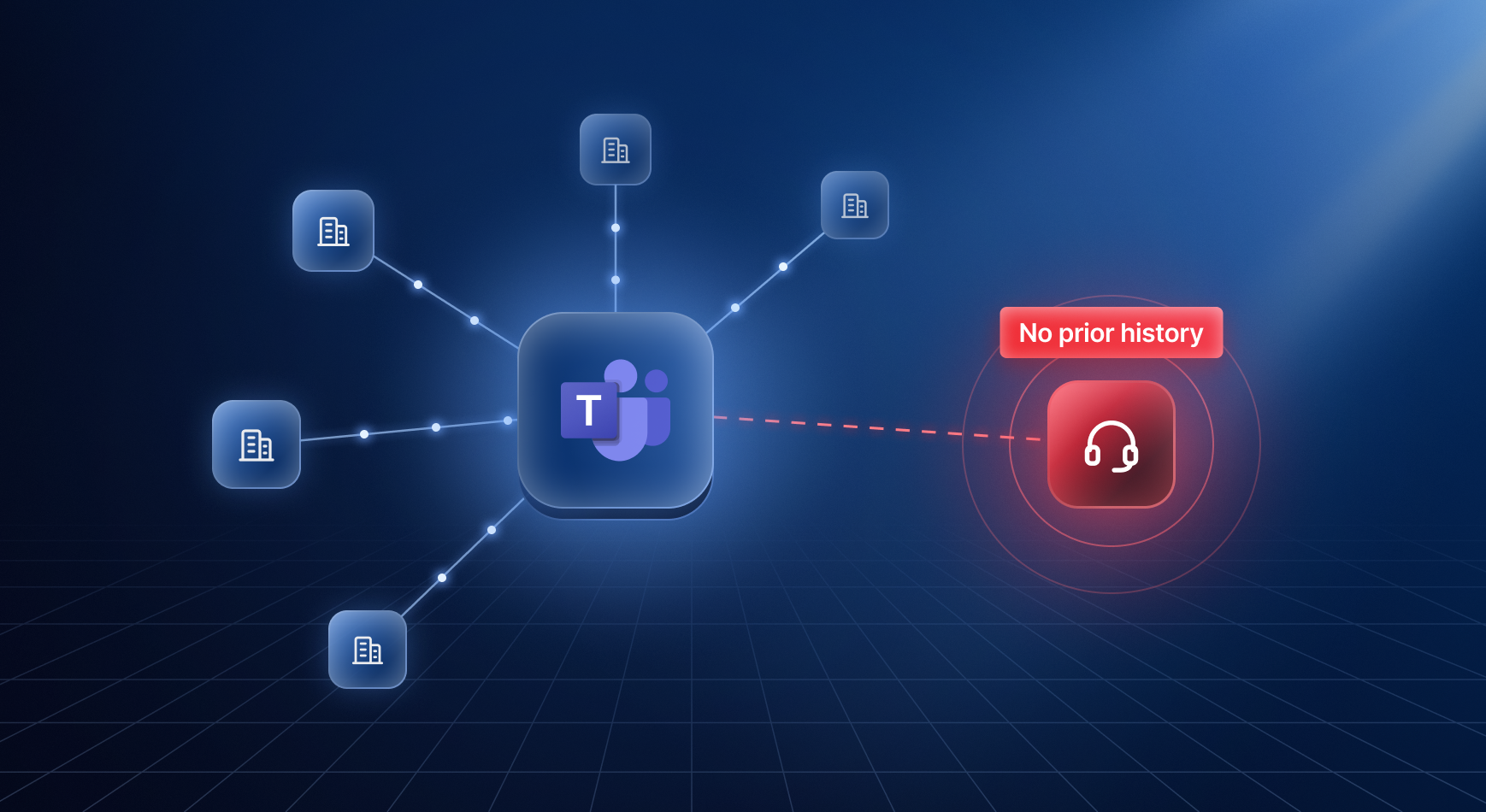

Most of the social engineering we investigate doesn't start in the inbox. It starts in Microsoft Teams with a message from someone calling themselves "Help Desk".
The setup costs the attacker almost nothing. They create a free Microsoft 365 tenant, give the account some kind of support-adjacent name, and start messaging or calling employees directly. Teams allows chats from any external organization by default, so there's nothing in the way.
Once someone picks up, the goal is to get them to open Quick Assist or a similar remote-access or remote monitoring and management tool, and thereby give the attacker access to the machine. Microsoft and Sophos have both written about ransomware crews like Black Basta (Storm-1811) using this playbook, and Midnight Blizzard ran a version of it back in 2023.
What Microsoft gives you
Microsoft has added impersonation protection to Teams. If it thinks an external sender is pretending to be a known brand or a person, it shows the user a warning and writes a TeamsImpersonationDetected event to the audit log. There's a similar event, SecurityRiskInCallDetected, for calls. Both are on by default at no extra cost, and we alert on them for every customer who sends us M365 logs.
The catch is that it's a black box. Microsoft doesn't say specifically what the model looks at, you can't tune it, and when it doesn't fire you have no way of knowing why.
We've seen variants of this attack that never triggered TeamsImpersonationDetected, so you can't singularly rely on these alerts.
Same attack vector, two different verdicts
In the first attack, an external account called "HelpDesk Supervisor" from it-helpdesk-portal.example messaged one of the customer's employees on Teams. Microsoft flagged it as brand impersonation and logged a TeamsImpersonationDetected event. We raised an alert, investigated and escalated it, and the customer's admin blocked the sender within the hour. That's the inbuilt Microsoft detector working as intended.
In the second attack, the same lure came from a new tenant on a new domain, helpdesk-support.example. This time the attacker messaged one employee, sent a chat request to another (who blocked it), and called a third, who let it go to voicemail.
Microsoft didn't flag any of it. We went back through the customer's audit logs for the days that followed, and there was no impersonation event or call warning for any of those contacts.
We don't know why. It could have been the domain, the wording of the first message, how new the tenant was, or something else entirely. We can't tell, and that's what makes it hard to rely on. The same approach was caught once and got through the next time.
Looking at the relationship instead of the name
Rather than trying to second-guess Microsoft's model, we built our Teams detections around something the attacker can't easily fake: whether your organization has any history with them. A display name costs nothing to change, while months of conversations between your company and a tenant can't be created overnight.
Here are some ways that an outsider can reach an employee on teams (the following logs all come from the Microsoft 365 unified audit log).
New external domain in a one-on-one chat
When someone starts a new chat, Teams writes a ChatCreated event.
{  "Operation": "ChatCreated",
  "CreationTime": "2026-09-01T10:00:00Z",
  "UserId": "helpdesk.supervisor@helpdesk-support.example",
  "UserMRI": "8:orgid:<attacker user id>",
  "OrganizationId": "<customer tenant id>",
  "ResourceTenantId": "<attacker tenant id>",
  "CommunicationType": "OneOnOne",
  "ChatThreadId": "19:<attacker user id>_<employee user id>@unq.gbl.spaces",
  "ParticipantInfo": {
    "HasForeignTenantUsers": true,
    "ParticipatingDomains": ["helpdesk-support.example", "contoso.com"]  },
  "Members": [
    { "DisplayName": "HelpDesk Supervisor", "UPN": "helpdesk.supervisor@helpdesk-support.example" },    { "DisplayName": "<employee>", "UPN": "employee@contoso.com" }
  ]
}
When OrganizationId and ResourceTenantId differ, the chat was started from outside. ParticipatingDomains lists every domain in it, and the UserMRI prefix tells you whether it came from a work account (8:orgid:) or a personal Microsoft account (8:live:).
For every cross-tenant one-on-one chat, we check whether each domain in it has shown up on any other chat in the same organization recently. If one hasn't, that's a new external relationship.
AuditLogs
| where Operation == "ChatCreated" and CommunicationType == "OneOnOne"
| where OrganizationId != ResourceTenantId      // started from outside| mv-expand domain = ParticipantInfo.ParticipatingDomains
| where domain !in (known_domains)              // never seen in this org's chats
In the second attack, helpdesk-support.example had never appeared in the customer's chats, so it would have stood out regardless of the display name.
The trade-off is noise. New vendors, recruiters and customers all trip this detector, and most of them are harmless. We treat it as a lead rather than a verdict, and every alert kicks off an automated investigation that pulls in the context needed to tell the two apart.
This is where our agentic investigation comes in: it learns from previous cases, draws on the customer's own knowledge and asks the users involved to help reach a verdict. In our experience, a false positive is cheap when it's handled properly.
Personal Microsoft accounts
When it comes to personal accounts, there’s a quirk in Microsoft’s ChatCreated event. Personal accounts don't belong to a company tenant, so there's no domain to baseline. Here's what a ChatCreated event from a personal account actually looks like:
{
  "Operation": "ChatCreated",
  "CreationTime": "2026-09-02T09:30:00Z",
  "UserId": ".cid.0123456789abcdef",
  "UserMRI": "8:live:.cid.0123456789abcdef",
  "OrganizationId": "<customer tenant id>",
  "ResourceTenantId": "00000000-0000-0000-0000-000000000000",
  "CommunicationType": "OneOnOne",
  "ChatThreadId": "19:uni01_...@thread.v2",
  "ParticipantInfo": {
    "HasForeignTenantUsers": true,
    "ParticipatingDomains": ["contoso.com"],
    "ParticipatingTenantIds": ["<customer tenant id>", "00000000-0000-0000-0000-000000000000"]
  },
  "Members": [
    { "DisplayName": "<employee>", "UPN": "employee@contoso.com", "OrganizationId": "<customer tenant id>" }
  ]
}
ParticipatingDomains only lists the customer's own domain, so the new-domain detector above never sees these chats. The "resource tenant" is the all-zeros GUID. Members only contains the employee, so the sender's display name isn't in the record at all. The only stable identifier for the other side is the opaque .cid. ID in UserId and UserMRI.
Instead we key on the account itself, which is identifiable by its 8:live: prefix.
AuditLogs
| where Operation == "ChatCreated" and CommunicationType == "OneOnOne"
| where UserMRI startswith "8:live:"            // personal Microsoft account
| where UserMRI !in (known_contacts_for_employee) // never talked to this employee beforeNew external organization calling in
Calls show up as CallParticipantDetail events, and the question is the same: has this external organization called us before?
AuditLogs
| where Operation == "CallParticipantDetail"
| where OrganizationId != ResourceTenantId      // hosted by the other side
| where ResourceTenantId !in (known_callers) // never called us beforeExternal group chats
One-on-one chats aren't the only way in. Several campaigns, including the DarkGate wave in 2023, put employees into external group chats instead: The attacker creates a group chat in their own tenant and adds a batch of employees at once or adds people to an existing chat over time. Group chats are noisier for the attacker but reach more people per action.
When an employee is added to a chat, Teams writes a MemberAdded event.
{
  "Operation": "MemberAdded",
  "CreationTime": "2026-09-03T14:00:00Z",
  "UserId": "employee@contoso.com",
  "UserMRI": "8:orgid:<employee user id>",
  "OrganizationId": "<customer tenant id>",
  "ResourceTenantId": "<external tenant id>",
  "CommunicationType": "GroupChat",
  "ChatThreadId": "19:...@thread.v2",
  "ParticipantInfo": {
    "HasForeignTenantUsers": true,
    "ParticipatingDomains": ["<external domain>", "contoso.com"],
    "ParticipatingTenantIds": ["<customer tenant id>", "<external tenant id>"]
  },
  "Members": [
    { "DisplayName": "<employee>", "UPN": "employee@contoso.com", "OrganizationId": "<customer tenant id>", "Role": 2 }
  ]
}
UserId and Members are the employee who joined, not whoever added them.
ResourceTenantId differing from OrganizationId means the chat lives in someone else's tenant, ParticipatingDomains and ParticipatingTenantIds show who else is in it, and each added employee gets their own event. This means we have to join the multiple MemberAdded events by ChatThreadId to see the full picture.
An employee pulled into an external group chat by a tenant we've never seen is a lead on its own. Several employees added to the same chat within minutes is a much stronger one, because real partners rarely add half a department to a chat in one go.
AuditLogs
| where Operation == "MemberAdded" and CommunicationType == "GroupChat"
| where OrganizationId != ResourceTenantId      // chat lives in another tenant
| where ResourceTenantId !in (known_tenants)    // no prior Teams contact with this org
| summarize employees = make_set(UserId) by ResourceTenantId, ChatThreadId
Investigative signals
Every one of these detections hands off to the same automated investigation, and a few checks do most of the work of separating a new supplier from a fake help desk.
One of the more useful checks as part of our investigation is a lookup on a public Microsoft endpoint getuserrealm.srf, that tells you which tenant a login belongs to and what name that tenant goes by:
curl -s "<https://login.microsoftonline.com/getuserrealm.srf?login=helpdesk.supervisor@helpdesk-support.example&json=1>"
{
  "Login": "helpdesk.supervisor@helpdesk-support.example",
  "NameSpaceType": "Managed",
  "DomainName": "helpdesk-support.example",
  "FederationBrandName": "<unrelated investment firm>",
  "CloudInstanceName": "microsoftonline.com"
}
FederationBrandName is the organization name the tenant was set up with. A real IT provider's tenant is normally branded as that company. Here, an account calling itself "HelpDesk Supervisor" on a help-desk-looking domain sits in a tenant branded as an unrelated investment firm with no obvious connection to IT support. The tenant may have been compromised and reused to run help-desk spoofing.
The investigation compares the Teams display name, the domain, and the tenant brand, and flags it when they don't tell the same story. That kind of mismatch is hard for an attacker to avoid when they're spinning up throwaway tenants or borrowing someone else's.
Another crucial piece is the endpoint. Getting a chat or a call through is only the setup; the attack really starts when the employee runs something. When the Teams activity looks suspicious, we pull EDR telemetry for the targeted user's machine and look at the same time window: new remote-access tools like Quick Assist, AnyDesk or ScreenConnect starting up, files downloaded from a browser or chat and then executed, and new outbound connections shortly after.
Teams also records what the employee did with an incoming chat request: whether they accepted it, blocked it, or replied. Knowing whether the user engaged tells us if this was a real attack that was stopped or one the user interacted with. Both get the same severity but different urgency.
Putting it together
Microsoft's impersonation alert is still part of the picture.
When it fires, it's a strong signal and we act on it. But it judges each message on how it looks, so it fails whenever the attacker changes how they look. A new tenant, a new domain, or a different first message was enough to get the same campaign past it the next time, and because the model can't be inspected or tuned, there's no way to know why one campaign worked and the other didn't.
The relationship detections ask a different question: Has this organization, domain, or account ever talked to us before? Changing the display name or the wording doesn't help the attacker there. Every throwaway tenant, freshly registered domain, or personal account starts with no history, so it's new by definition, whatever it calls itself. The two work best together. Microsoft's warning catches the obvious impersonation, and the relationship detections catch the first contact it misses. The investigation then works out whether that first contact is a new supplier or a fake help desk.
What Daylight detects
For customers who send us Microsoft 365 audit logs, this is the Teams coverage in place today:
Each of these opens an automated investigation that adds the context described above: The tenant's registered brand versus the display name and domain, whether the employee accepted, blocked, or replied to the chat request, follow-on activity on the employee's machine, and how the same sender has been handled in previous cases.
A few things worth doing now
If you don't expect to talk to external organizations on Teams
- Turn off external access (federation) entirely.
- Block chats and calls from personal Microsoft accounts.
If external communication is part of the business
- Replace "allow all external domains" with an allowlist of the partners you actually work with.
- Block personal Microsoft accounts unless you need them. If you do, at least stop them from starting conversations with your users.
- Keep Teams' external-sender labels and impersonation protection on, and alert on new external domains, tenants and personal accounts rather than relying on the impersonation warning alone.
- Alert on changes to Teams external access settings.
Microsoft's impersonation warning is worth having, it just shouldn't be the only thing standing between a fake help desk and your employees.