What Is Mobile Phishing? Risks, Examples, and Prevention
.avif)
.avif)
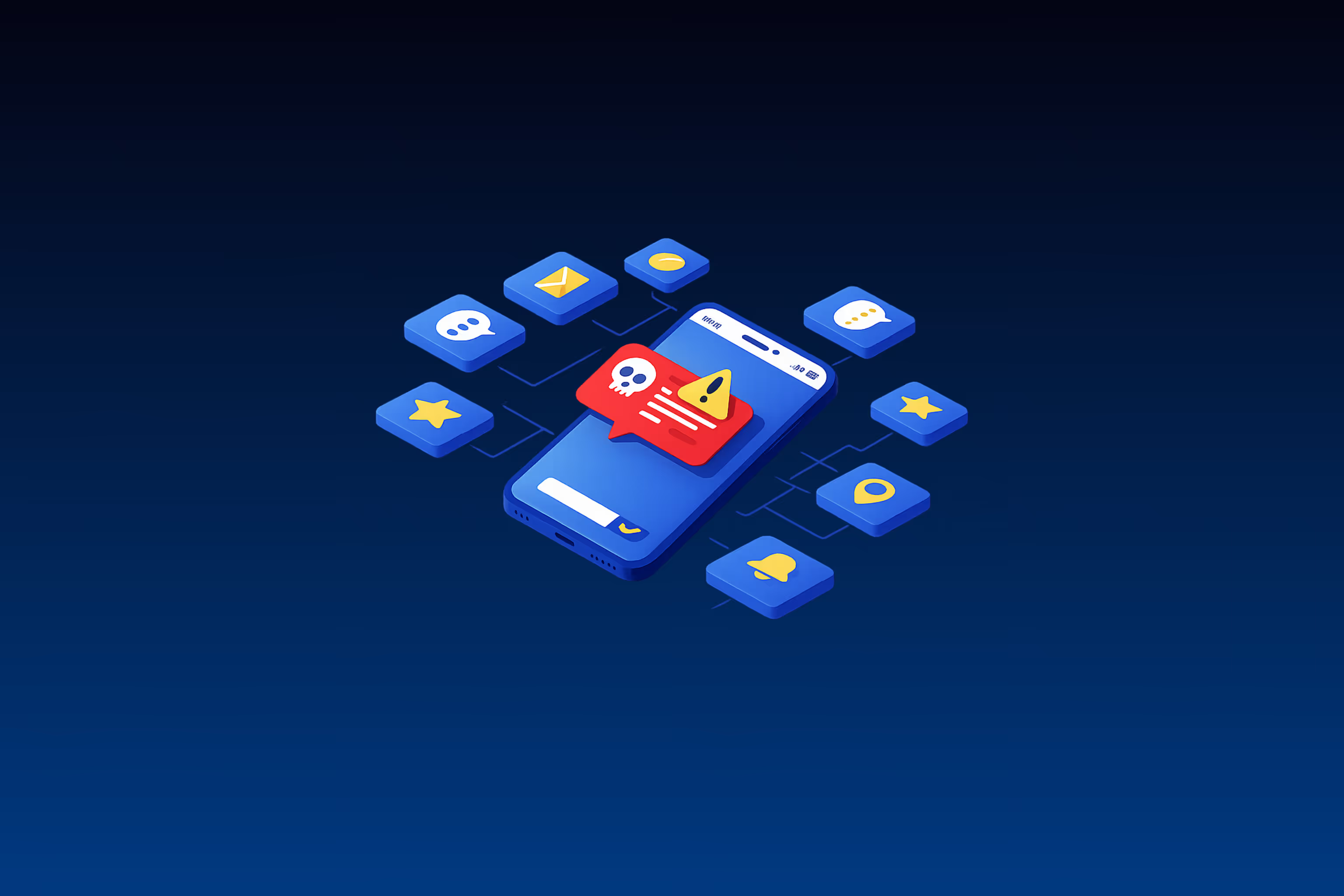
Mobile phishing targets channels that most enterprise security architectures don't cover. SMS, messaging apps, QR codes, and voice calls operate outside the email security perimeter, reaching employees on devices that sit outside endpoint visibility. These aren't edge cases. They're the channels attackers increasingly choose because they know the controls aren't there.
What makes mobile phishing particularly dangerous is where it lands. The same device employees use to receive a smishing link is often the device that holds their MFA token. Compromising the user on mobile frequently means compromising the authentication chain simultaneously.
Mobile phishing is now an initial access vector that can lead directly to credential theft, identity compromise, and ransomware.
TL;DR:
- Attacker interest in mobile channels is sustained and documented, as smishing, vishing, and quishing all appear in major enterprise breach post-mortems.
- Mobile-optimized phishing pages and QR-driven login theft are designed to move targets outside traditional email defenses.
- Mobile phishing has evolved into an identity compromise tactic, making phishing-resistant MFA, such as FIDO2 and passkeys, more effective than mobile endpoint scanning alone.
- Many security architectures still lack a clear pathway to investigate SMS or messaging app reports.
What Is Mobile Phishing?
Mobile phishing is phishing delivered through mobile-specific channels: SMS (smishing), voice calls (vishing), messaging apps, QR codes (quishing), and mobile-optimized malicious websites.
The distinction from email phishing matters because mobile browsers obscure and truncate URLs, users may trust text messages more than email, and mobile devices often serve as the primary MFA token in enterprise authentication flows.
Common Types of Mobile Phishing
Mobile phishing spans five primary vectors, each exploiting different trust assumptions and bypassing different controls.
1. Smishing (SMS Phishing)
Smishing is among the most common mobile phishing vectors. In many organizations, security teams treat it as a higher-risk social engineering channel. Why? Response rates on SMS are higher, messages are shorter and harder to scrutinize, and there's no spam filter conditioning the user's expectations.
2. Vishing (Voice Phishing)
Vishing has become a documented vector in high-profile enterprise breaches. AI voice tooling now enables convincing impersonation at scale, and attackers are using it to pose as IT helpdesks and talk employees into MFA resets.
3. Messaging App Phishing
Attackers impersonate IT support through Teams, Slack, and similar platforms to convince employees to grant remote access. Security habits from email don't carry over to messaging apps, making these channels effective social engineering surfaces.
4. Quishing (QR Code Phishing)
QR codes bypass email security inspection entirely and push targets onto mobile devices, where URL visibility and endpoint monitoring are weaker. Attackers use them for credential theft, including login flows that target MFA-protected accounts.
5. Multi-Channel Coordinated Attacks
Threat actors increasingly combine multiple channels. The Retool breach, for example, involved credential phishing followed by malicious Okta device enrollment, which allowed the attacker to bypass MFA.
All five vectors share a defining trait: they bypass email security infrastructure entirely. Defending against mobile phishing requires addressing each channel independently, not just the dominant one, because attackers will pivot to whichever channel the organization leaves unmonitored.
Mobile Phishing Risks for Organizations
Mobile phishing isn't just a user problem. When an employee falls for a smishing or vishing attack, the compromise rarely stays contained to one account. Here's why it escalates.
Identity Chain Reactions
Mobile phishing targets the authentication layer directly. A single compromised credential can grant persistent access to identity providers like Okta, Entra ID, and Google Workspace.
From there, attackers abuse trusted relationships to escalate privileges, move laterally, and in some cases deploy ransomware. The attack chain from initial credential theft to substantial environment compromise can unfold in hours, not weeks.
The Visibility Gap
When phishing arrives through SMS or a messaging app, most security tooling generates no alert. The attack happens entirely outside the infrastructure that the SOC monitors.
This means the first sign of compromise is often downstream: an impossible travel login, an unexpected MFA enrollment, or a privilege escalation that triggers an identity-layer detection. By that point, the attacker already has a foothold.
No Investigation Pathway
Even when employees do the right thing and report a suspicious message, many security teams have no workflow to investigate it. There's no email header to parse, no attachment to detonate, no URL log to check.
The report goes into a queue with no tooling behind it. That gap between employee awareness and investigation capability is where mobile phishing thrives.
Real-World Mobile Phishing Examples
Two incidents illustrate how mobile phishing translates into enterprise compromise, and how a single control change alters the outcome.
Vishing → Identity Provider Compromise → Ransomware (MGM Resorts, 2023)
Attackers used LinkedIn to identify MGM IT staff, then impersonated them in vishing calls to the IT helpdesk. The helpdesk reset credentials and MFA tokens.
According to the indictment, attackers:
- Used compromised help desk credentials to access MGM's Okta administrative console
- Reset the password for a high-level IT administrator account
- Created additional administrator accounts and later deployed ransomware
The business impact was a prolonged operational shutdown across multiple properties and approximately $100 million in losses, with five Scattered Spider members later indicted.
Smishing → Credential Theft → Customer Data Compromise (Twilio, 2022)
In the Twilio breach, attackers sent SMS messages impersonating the IT department, warning employees that their passwords had expired. Multiple employees entered credentials on cloned sign-in pages.
Attackers accessed Twilio's customer support console, compromising customers, including Signal. Cloudflare received an identical attack the same day; three employees entered credentials, but FIDO2 keys blocked all unauthorized access. Same attack, different MFA, completely different outcome.
Both incidents demonstrate how spear phishing techniques adapted for mobile channels can compromise even security-conscious organizations.
Technical Controls to Reduce Mobile Phishing Risk
Three control categories address distinct layers of mobile phishing risk. None is sufficient alone. Together, they cover authentication, device trust, and channel visibility.
1. Phishing-Resistant MFA
Phishing-resistant MFA stops the most common path from compromised credentials to full identity takeover. FIDO2 passkeys and hardware security keys are phishing-resistant because the authenticator only releases secrets to the legitimate relying party. Push notifications and SMS codes are not, and attackers bypass them routinely.
Start with high-privilege accounts: admins, executives, anyone with access to identity infrastructure. Roll out to the broader workforce after registration workflows are in place. If you require phishing-resistant MFA for all cloud apps on day one, you risk locking out every user who hasn't registered a passkey yet.
2. MDM/MAM Architecture
MDM gives you enforcement on corporate-owned devices: configuration policies, remote wipe, and conditional access based on device compliance. For BYOD, MAM lets you manage apps and data without enrolling the full device. Protection policies containerize corporate data so it stays controlled even on personal hardware.
The practical decision: corporate devices get full MDM. BYOD gets MAM with conditional access. Unmanaged devices get web-only access to corporate resources, nothing local.
3. Mobile Threat Defense
MTD fills the gap that MDM and EDR can't cover: mobile-specific telemetry and on-device threat detection. It integrates with MDM conditional access to enable risk-score-based policies, so a device flagged for suspicious activity loses access automatically.
iOS sandboxing limits what any security tool can inspect compared to Android. Test and evaluate MTD coverage separately per platform. Enterprise browser and VPN-based protections carry more weight on iOS.
No single control covers every mobile phishing vector. Phishing-resistant MFA stops credential theft from converting into account takeover. MDM and MAM enforce device trust.
MTD adds mobile-specific detection. The controls work in layers because the attacks work across channels.
The organizations getting ahead of mobile phishing are the ones treating it as an identity problem that starts on a phone, not a phone problem that sometimes affects identity.
Frequently Asked Questions About Mobile Phishing
Do Mobile Threat Defense Solutions Provide the Same Protection on iOS and Android?
No. While both platforms sandbox apps, iOS’s stricter model and platform policies often limit the telemetry and on‑device controls available to third‑party mobile threat defense tools compared with Android.
If MFA Bypass Is This Common, Should Organizations Still Prioritize MFA Deployment?
Yes, but the type matters enormously. Push-based MFA and SMS codes have been bypassed repeatedly. Phasing out push notifications and SMS-based MFA for high-value accounts is likely one of the higher-impact mobile phishing defenses.
How Should Security Teams Handle the Supply Chain Dimension of Mobile Phishing?
Security teams should extend mobile phishing risk assessments to critical third parties, require phishing-resistant MFA for vendor accounts with privileged access, and ensure investigation workflows can trace compromise through third-party access paths.