Fake Help Desk on Teams Delivers the DinDoor Deno RAT

.avif)
.avif)
Executive Summary
Daylight researchers investigated an intrusion in which a threat actor impersonated an internal IT support team over Microsoft Teams to deliver the DinDoor backdoor, a malware family previously attributed by multiple security vendors to the Iranian state-sponsored threat group MuddyWater.
The observed tradecraft, malware architecture, persistence mechanisms, and command-and-control behavior are highly consistent with publicly documented MuddyWater campaigns, suggesting the intrusion is part of the broader DinDoor activity cluster active throughout 2026.
The Lure: Collaboration Platforms as an Initial Access Vector
The attacker created an external Microsoft 365 tenant designed to impersonate a corporate IT helpdesk. The tenant name and display name were chosen to be visually indistinguishable from a legitimate internal support account at a casual glance.
Using this account, the operator initiated one-on-one Teams chats with multiple employees simultaneously, posing as IT support and instructing targets to apply an urgent patch or fix. A pretext designed to make executing unknown software feel like routine IT compliance.
Within approximately 30 minutes of initial contact, at least one user was convinced to download and execute what they were told was a system patch.
The Payload: A Patch That Wasn't
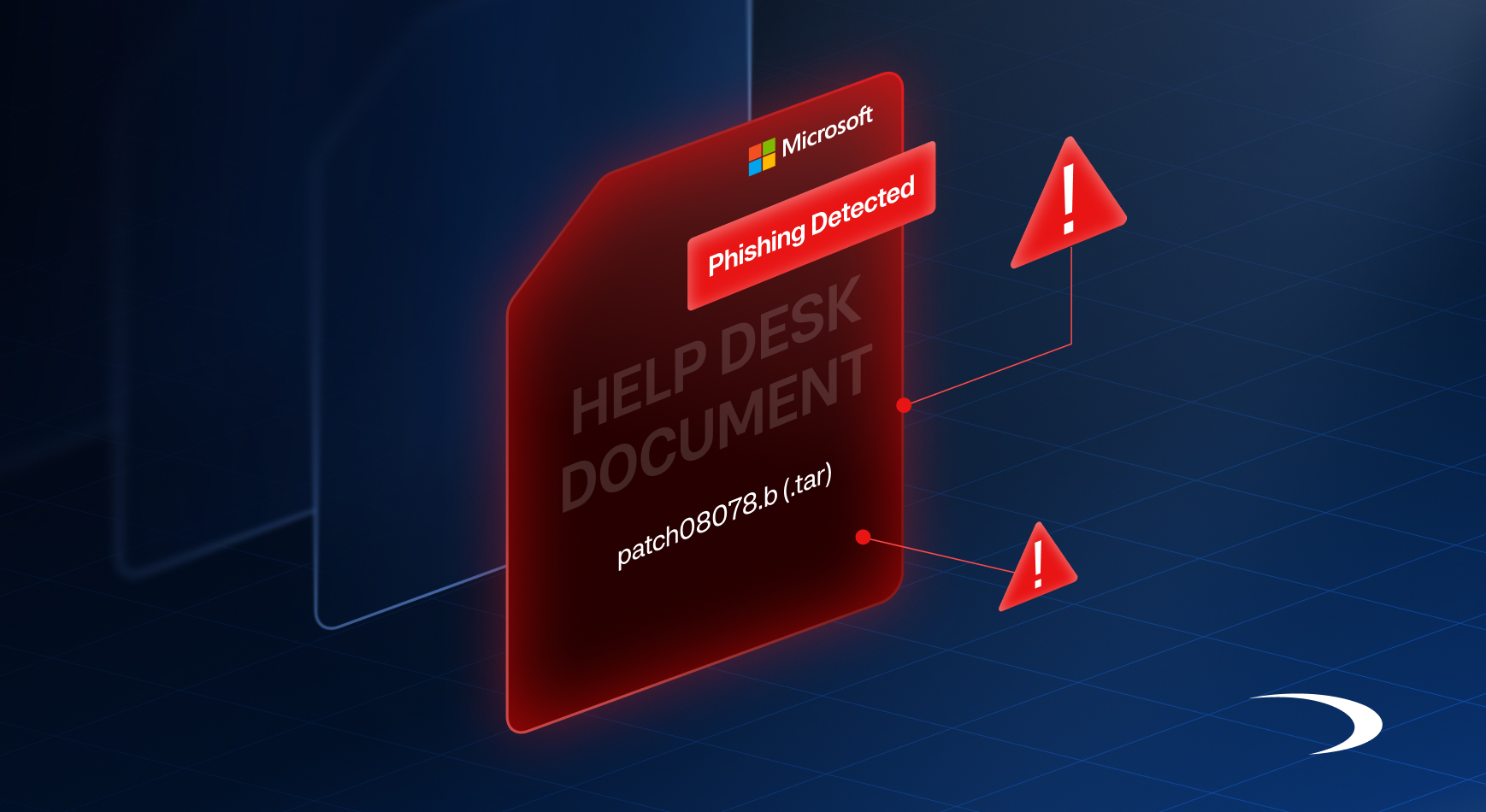
The file delivered to the victim was named patch08078.b, a disguised archive containing the full DinDoor Deno RAT. The archive was decompressed using tar, a native Windows utility available since Windows 10:
tar -xf C:\Users\<redacted_user>\Downloads\patch08078.b -C C:\Users\<redacted_user>\AppData\Roaming\DenoJSEnvThe archive contained five files:
conhost --headless C:\...\DenoJSEnv\deno.exe --allow-run ...\app.jsMalware Architecture: Four Components, One C2
The malware's design splits its functionality across four loosely coupled services communicating over localhost, making it more resilient to partial detection and easier to update individual components remotely.
The C2 Client - back.js
Connects outbound to the operator's infrastructure over WebSocket. Routing C2 traffic through AWS CloudFront serves two purposes: it presents a legitimate CDN hostname to network monitoring tools, and it allows the operator to swap backend infrastructure without changing the domain the implant calls. On connection, the client sends an encoded registration beacon containing the host's domain, username, computername, and a randomly generated implant ID.
wss://d1mjrkjsk5qy13[.]cloudfront[.]net/api/connectThe Command Execution Engine - helper.js
The TCP Proxy - webui.js
Runs on 127.0.0.1:10021. Exposes three endpoints, /connect, /send, and /closesocket — allowing the C2 operator to open arbitrary TCP connections from the victim machine to any host and port, relay binary data through them, and close them on demand. Data received from open sockets is forwarded back to back.js on port 10020. This component effectively turns the implant into a SOCKS-like TCP tunnel, enabling lateral movement through the victim's network without direct operator connectivity to internal hosts.
The Orchestrator - app.js
Handles startup only and spawns the three components. It has no runtime role beyond process management.
C2 Activity and Post-Compromise Behavior
Network and process telemetry confirmed that the C2 channel was live within 28 seconds of the malware launching. The first operator-issued command was a standard host survey:
cmd.exe /c "set && ipconfig /all && route print && tasklist"This single command returns environment variables (including USERNAME, USERDOMAIN, COMPUTERNAME), full network adapter configuration, routing tables, and a complete process list — everything needed to assess the host, confirm the identity of the victim, and begin planning lateral movement.
The back.js source confirms this is standard first-run behavior. The C2 protocol includes a payment_status field in operator messages that, when set, triggers the sendOSData() function. The result is base64-encoded and transmitted to the C2 server.
Persistence
DinDoor establishes persistence through a Windows registry Run key written via the local helper.js exec endpoint:
reg add "HKCU\Software\Microsoft\Windows\CurrentVersion\Run" /v Deno_AutoRun /t REG_SZ /d "conhost.exe --headless <deno_path> --allow-run <workdir> app.js" /fEvasion Characteristics
Several design choices reflect deliberate evasion thinking:
- Bundled runtime: deno.exe is shipped with the malware rather than relying on a system installation. This avoids triggering detections based on known scripting runtimes (Node.js, PowerShell, WScript) while executing fully capable JavaScript.
- CloudFront C2: The C2 domain is a dynamically assigned CloudFront subdomain (*.cloudfront.net). Blocking the subdomain is effective, but the pattern makes domain-reputation-based detection unreliable without TLS inspection.
- Loopback-only services: helper.js and webui.js bind exclusively to 127.0.0.1. No malicious ports are exposed externally, all lateral movement and command execution flows inward from the C2 through back.js.
- All-JavaScript payload: The combination of obfuscated JS and a legitimate runtime makes static analysis harder than compiled binaries. No shellcode, no PE injection.
- String obfuscation: Array-rotation encoding hides all meaningful strings until runtime. Simple string-based YARA rules against the raw files will not match without deobfuscation.
Attribution and Campaign Context
Assessment
The intrusion observed by Daylight closely aligns with publicly documented MuddyWater operations reported throughout 2026. Specifically, the use of Microsoft Teams-based IT helpdesk impersonation, deployment of the DinDoor backdoor, execution through a bundled Deno runtime, CloudFront-proxied WebSocket command-and-control infrastructure, and the Deno_AutoRun persistence mechanism collectively represent a distinctive activity pattern previously associated with MuddyWater campaigns.
While these observations alone do not constitute definitive actor attribution, they provide strong evidence that the intrusion is part of the broader DinDoor activity cluster publicly linked to MuddyWater. This assessment is further supported by prior reporting from Rapid7 identifying Teams-based IT helpdesk impersonation as a MuddyWater initial access technique and by Broadcom/Symantec's attribution of DinDoor to MuddyWater-associated operations.
Campaign Context
MuddyWater has operated since at least 2017 and is assessed to work on behalf of Iran's Ministry of Intelligence and Security (MOIS). The group consistently targets government, defense, telecommunications, and financial sector organizations in the United States, Israel, and the broader Middle East and North Africa region. Recent campaigns have used false-flag ransomware activity as cover for what is primarily a credential-harvesting and espionage operation.
It is also worth noting the broader Deno RAT ecosystem documented by Malwarebytes in May 2026, in which DinDoor variants were distributed through fake software installers hosted on GitHub and SourceForge and promoted through compromised YouTube channels. The overlap in persistence mechanisms, execution patterns, and runtime usage suggests either shared tooling or closely related operator activity.
Detection Guidance
Endpoint and Network Indicators
Organizations should monitor for the following behaviors:
Microsoft Teams Detection Opportunities
Because the intrusion originated through Teams-based social engineering, organizations should also monitor for:
- External *.onmicrosoft.com accounts attempting to impersonate internal support personnel
- External accounts using IT helpdesk, support, security, or administrator-themed display names
- Newly created external Microsoft 365 tenants initiating contact with employees
- Unsolicited one-on-one chats containing links, downloads, or instructions to execute software
- Multiple employees receiving near-identical messages from the same external tenant
Indicators of Compromise
Network
Host
File Hashes (SHA256)
Identity and Microsoft Teams
Recommendations
Broader Implications
This incident reflects a broader trend: attackers are moving initial access operations away from email and onto platforms that carry implicit trust within organizations. Microsoft Teams, Slack, and similar tools were designed for real-time collaboration and carry strong internal credibility signals. Where a message from someone presenting as IT support feels more legitimate than a phishing email, particularly when the target's inbox is simultaneously flooded with noise.
The use of Deno as a malware runtime underscores the same pattern seen with Node.js, Bun, and other modern JavaScript runtimes: attackers are deliberately choosing execution environments that security tooling has not yet built robust detection coverage for. A bundled, self-contained runtime that produces no registry footprint or installer record is considerably harder to detect than a PowerShell script or compiled PE.
The DinDoor campaign is active, the infrastructure is live, and the delivery method is working. Organizations that have not yet treated collaboration platform social engineering as a first-tier threat surface should do so now.
Daylight continuously monitors for emerging threats and updates detections as new campaign activity is identified. For questions about this research, contact the Daylight Threat Intelligence team.
References
- Blia, A. & Feigl, I. — Muddying the Tracks: The State-Sponsored Shadow Behind Chaos Ransomware, Rapid7 (May 2026)
https://www.rapid7.com/blog/post/tr-muddying-tracks-state-sponsored-shadow-behind-chaos-ransomware/
- The Hacker News — MuddyWater Uses Microsoft Teams to Steal Credentials in False Flag Ransomware Attack (May 2026)
https://thehackernews.com/2026/05/muddywater-uses-microsoft-teams-to.html
- ExtraHop — Anatomy of an Attack: The DINDOOR Backdoor
https://www.extrahop.com/blog/anatomy-of-an-attack-the-dindoor-backdoor-extrahop
- CyberProof — Iranian APT Seedworm Targets Global Organizations via Microsoft Teams
https://www.cyberproof.com/blog/iranian-apt-seedworm-targets-global-organizations-via-microsoft-teams/
- Malwarebytes — Fake Software on GitHub and SourceForge Distribute Deno RAT (May 2026)
https://www.malwarebytes.com/blog/threat-intel/2026/05/fake-software-on-github-and-sourceforge-distribute-deno-rat